
CV UID guide
Your CV in a QR Card: Carry Your Professional Identity, Not a Stack of Resumes
Turn your CV into a professional QR card with a unique CV UID. Share your profile at interviews, campus placements and networking events—one scan connects recruiters to your online CV, with access you control.
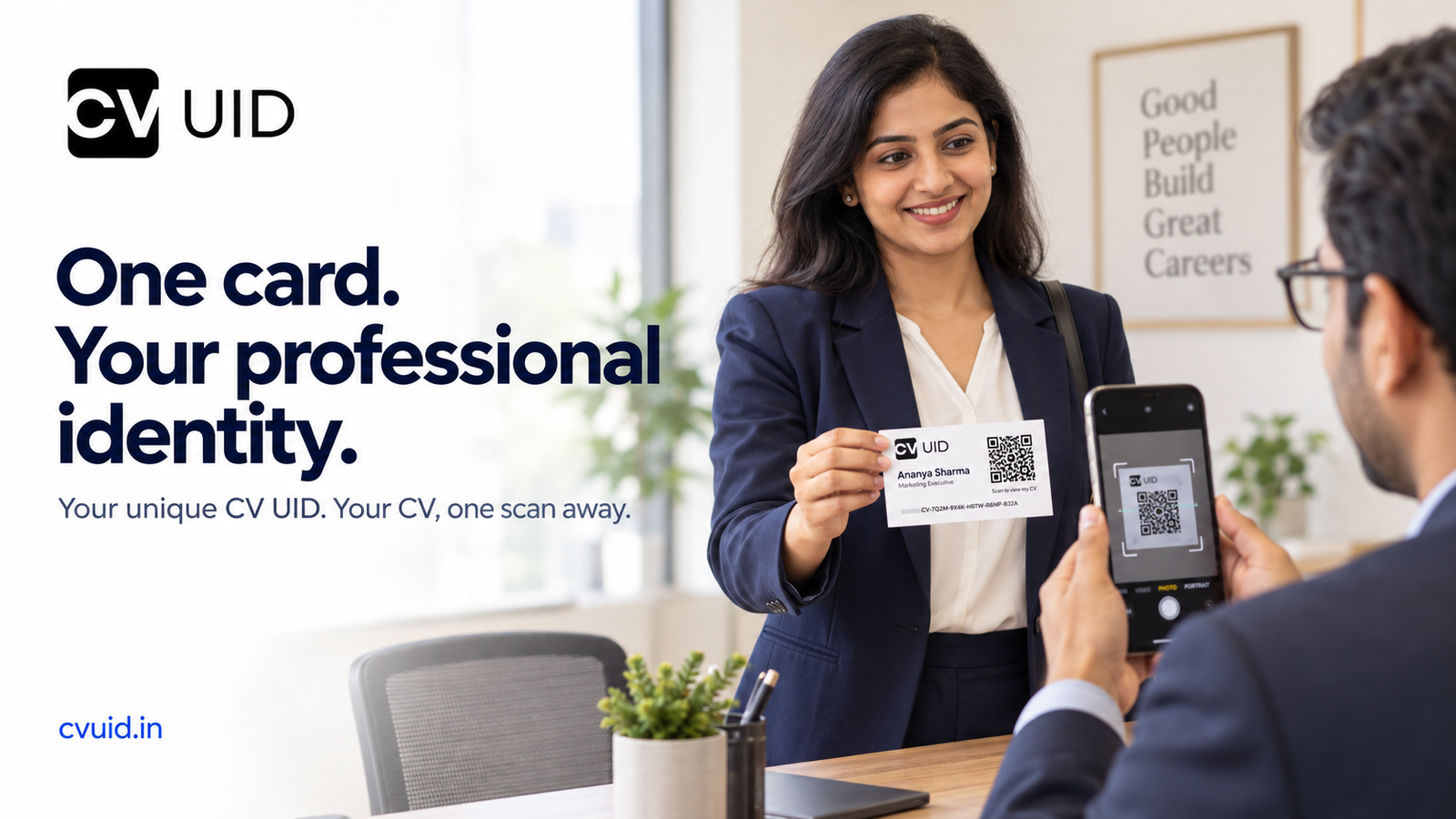
You arrive for an interview, introduce yourself and take out a small professional card. “This is my CV UID. You can scan the QR code to view my CV.” The recruiter scans your card and opens your online profile. Your skills, experience, education and projects are available in one place, subject to the access setting you choose. That is the idea behind a CV UID QR card: a convenient way to introduce yourself and share your professional background, without depending on a fresh printout for every conversation. What is a CV UID QR card? A CV UID QR card is a printable business card connected to your online CV. It brings together your basic professional information, unique CV UID and a QR code that opens your profile. Think of it as a professional introduction that fits in your pocket. The card starts the conversation; your online CV tells the complete story. You can carry a printed card or show the downloaded image on your phone. The recipient scans the QR code to reach your CV UID profile. One unique ID for your professional journey Your career will change. You might complete your first internship, gain a certification, move into a new role or develop another skill. Your CV UID gives you a consistent identifier for your profile throughout those changes. You can update your online CV while keeping the same profile link and QR card. This is different from sending a resume attachment. An attachment remains the version you sent that day. Your online profile can reflect the updates you make afterwards. A recruiter returning to your CV UID link can review your current information, according to your profile’s visibility setting. Where can you use your QR resume card? At interviews Present your card during your introduction or offer it at the end of the conversation. It gives the interviewer a convenient way to revisit your profile. A simple introduction is enough: “Here is my CV UID card. You can scan it to view my professional profile and experience.”
At campus placements and job fairs Students and freshers may meet several recruiters during a placement event. A QR resume card provides a compact way to share a profile containing education, internships, projects and relevant skills. You do not need years of experience to introduce yourself professionally. A clear, complete profile can explain what you have learned and what you can contribute. During networking and referrals Not every career conversation happens in an interview room. You might meet a recruiter at an industry event, speak with an alumnus or ask a professional contact for a referral. Your card gives that person a direct route to your CV. You can also share the profile link through email, WhatsApp or LinkedIn when the conversation moves online. A professional card needs a complete profile The QR code makes your CV easier to access. The information behind it is what helps someone understand your suitability for a role. Before sharing your card:
- Write a clear professional headline describing your role or area of interest.
- Add a concise summary of your strengths and relevant experience.
- Include skills you can explain or demonstrate.
- Keep employment and education dates accurate.
- Describe your contribution to projects, internships and achievements.
- Check your contact details and review the finished CV. For students, a well-explained academic project can show practical ability. For experienced professionals, specific responsibilities and genuine results provide more value than a long list of general claims. You decide how much a scan reveals Sharing a QR card does not mean you must make your full CV public. With a public profile, someone opening your link can view the complete CV. With a PIN-locked profile, visitors can see a limited professional overview, including your name, city, headline, summary and skills. Access to the full CV requires your PIN or, for an employer using the platform, your approval of an access request. The QR code opens your profile; it does not bypass your access settings. Share your PIN only with people you intend to give access to. Should you still carry a printed resume? Follow the employer’s instructions. If an interview invitation asks for printed copies, bring them. If an application requires a resume upload, submit the requested document. A CV UID card complements those requirements. It is particularly useful for introductions, referrals and follow-up conversations where sharing a current online CV is more convenient. Before an event, test your printed QR code with another phone and check that your profile opens as expected. An internet connection is needed to view the online CV. Create a professional introduction that stays with you Your resume explains your background. Your CV UID card makes it easier to share. Create your profile, add your information, choose your visibility setting and download your QR card from the candidate dashboard. Whether you are preparing for your first campus interview or your next career move, give people a simple way to find the professional behind the introduction. One card. Your unique CV UID. Your professional story. Create your CV UID at cvuid.in